MySQL
MySQL Driver
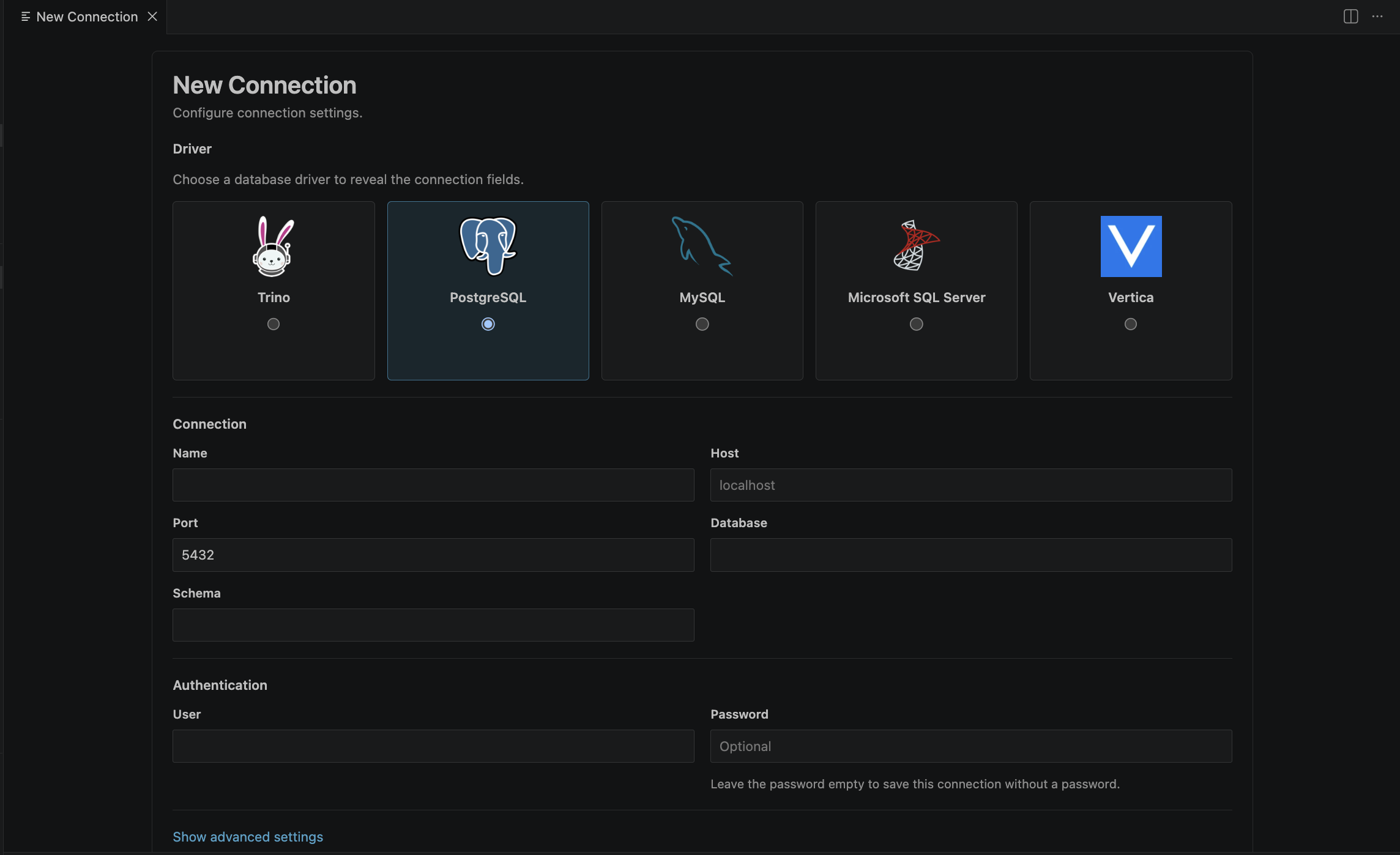
Use the MySQL driver when your target is a MySQL-compatible database and you want the same DBeagle querying and result workflow used by the other shipped engines.
Default connection fields
| Field | Default | Description |
|---|---|---|
| Host | Required | MySQL host |
| Port | 3306 | Standard MySQL port |
| Database | Optional but recommended | Default database for the connection |
| User | Optional | MySQL user name |
| Password | Optional | Stored in VS Code SecretStorage |
| SSL / TLS | false | Turn on when your endpoint requires TLS |
| Verify server certificate | true | Keep enabled for trusted production endpoints |
| Max pooled connections | Driver default | Optional pool cap |
| Timeout | Inherits global default | Per-connection timeout override in seconds |
DBeagle-specific behavior
MySQL does not expose a separate schema field in the DBeagle form because MySQL effectively treats databases and schemas as the same namespace.
In practice that means:
- You choose a default database in the form.
- The Connections tree uses that database context for browsing.
- Metadata-backed autocomplete uses the same mapped namespace behind the scenes.
Recommended setup
- Set a default database if you mostly work in one schema namespace.
- Turn on TLS when your server requires it.
- Keep certificate verification on unless you are connecting to a known local dev instance.
Notes
- DBeagle uses pooling for MySQL connections.
- Table preview, result browsing, export, and charting work the same way they do for the other shipped drivers.